Checklist Tool
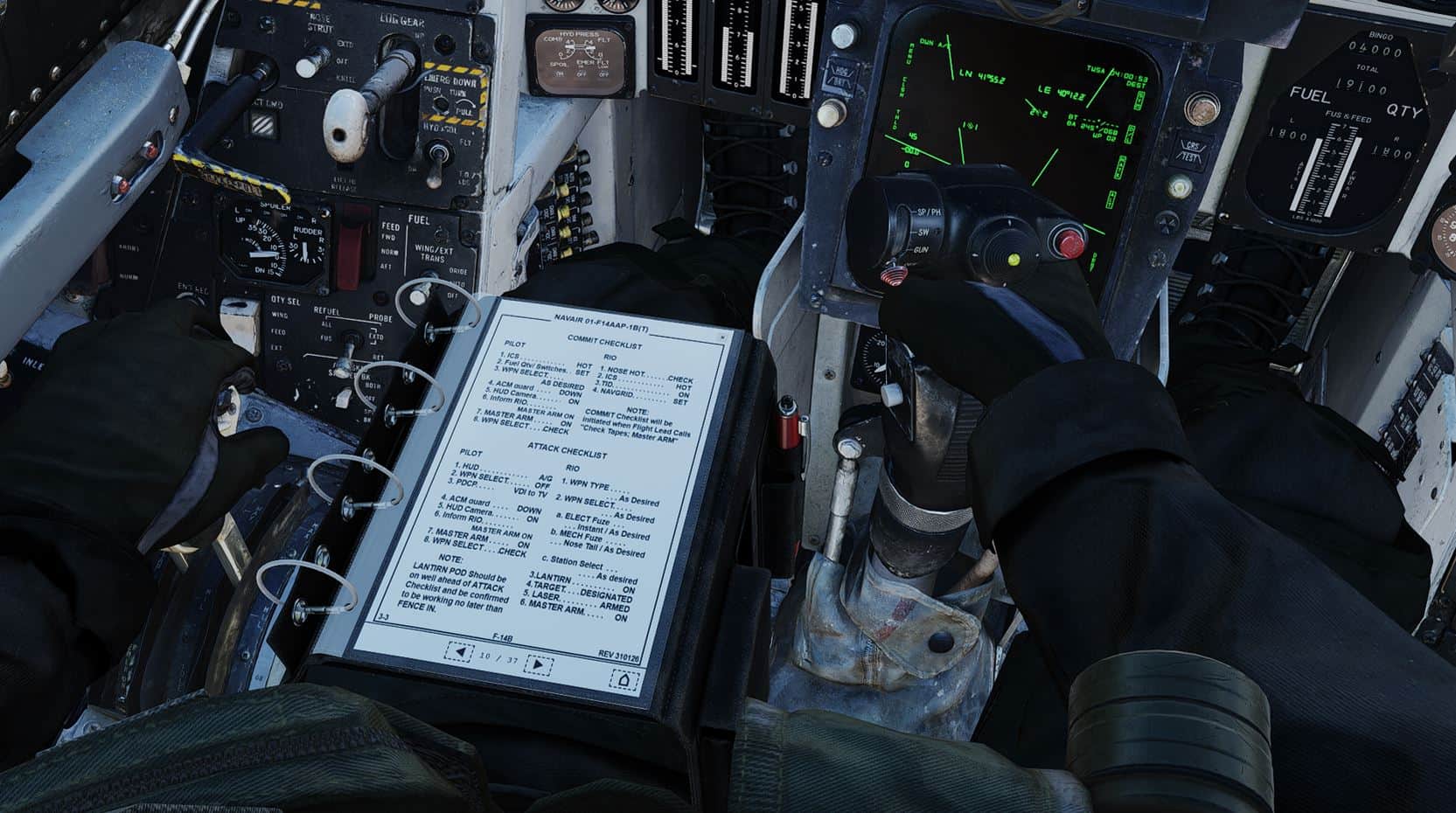
Both crew members can access the Checklist Tool, which provides the crew with Normal Procedure, Attack & Emergency Checklists, as well as aircraft reference data. The checklist procedures are an abridged version of the checklists found in the NAVAIR 01-F14AAP-1B NATOPS Pocket Checklist.
The Checklist Tool can be interacted with the mouse in the cockpit. Navigation works as follows:
- Each of the 11 sections can be quickly skipped to from the front contents page by clicking on the right-hand side section list.
- The pages can also be scrolled manually using the arrows on the bottom navigation bar.
- Return to the contents page via the Home icon on the bottom right.
The checklist tool is present on both Pilot & RIO 3D models, on the left leg. It also remains fully interactive on the 3D model itself, without the need to open it via the keybind. The tool has a default keybinding of RCtrl+C.
💡 In order to close the checklist tool, make sure to first remove keyboard focus from it by clicking anywhere else in the cockpit.